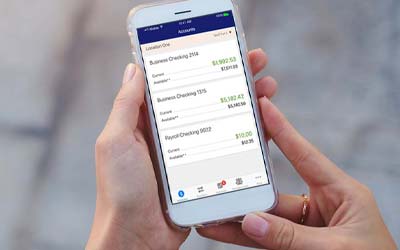

Mobile Banking
Take your account access to go with our full-featured mobile banking app that includes photo check deposit
Wondering What You Can Do With Our Mobile App?
From checking your balance to depositing a check, viewing your statements to getting real-time account activity alerts, our mobile app has you covered.
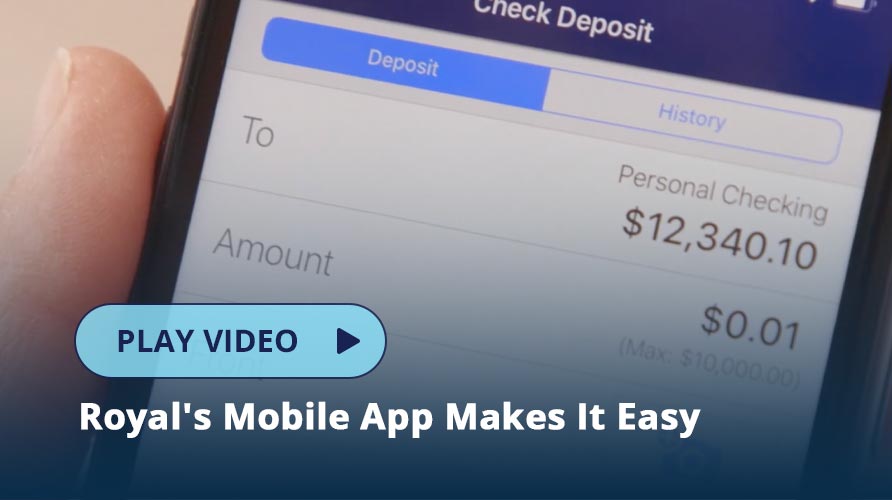
Mobile Check Deposit
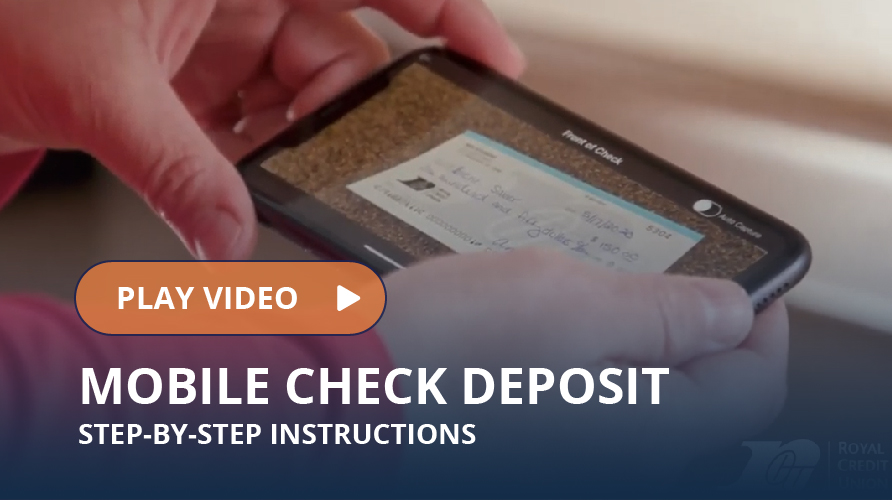
You don’t have to go to an office to deposit a paper check anymore. When you use mobile check deposit, you simply sign the check and take a photo of the front and back to process the deposit. Keep the check in a safe place for your records.
Biometric Login
You can securely log in to our mobile app using your face or fingerprint on supported devices. This speeds up the process of logging in by saving you from typing in your username and password.
Manage Your Account & More
Online banking gives you access to all your account information in one location. You can:
- See balances and transaction history
- Freeze your debit or credit card
- Reorder paper checks
- See your FICO® credit score
- Get real-time alerts for deposits, withdrawals, and balances
- Use our free Pay a Bill service to pay bills
- Transfer funds or make loan payments
- View and print your account statements
- Apply for a new loan or open a new account
- Place a stop payment on some types of transactions
- Access your credit card preferences
- Report a debit card or credit card as lost or stolen to receive a replacement
- Find a Royal location or ATM
Get The App


Apple and the Apple logo are trademarks of Apple Inc. App Store is a service mark of Apple Inc. Google Play and the Google Play logo are trademarks of Google LLC.
Get Help With Mobile Banking